
Works where your
community already talks.
Register and manage your plans in Telegram or WhatsApp. Receive personal event updates in Telegram — and when something needs more space, Commolyn opens seamlessly on the web.
Explore the experienceRegister in Telegram or WhatsApp. Keep your plans close to the conversation.
From “I’d love to come”
to “See you there.”
From an announcement to your arrival, see how a gathering fits into your everyday conversations.
Make a planSee the event, answer the questions and know your place.
An announcement turns into a plan. Register in Telegram or WhatsApp, answer the questions your organizer needs, and keep your confirmation in the conversation. Reuse profile information where the organizer allows it.
See whether you’re registered, awaiting approval or waitlisted. If the gathering is full, the waitlist gives you a place in line.
Find what’s coming up ↓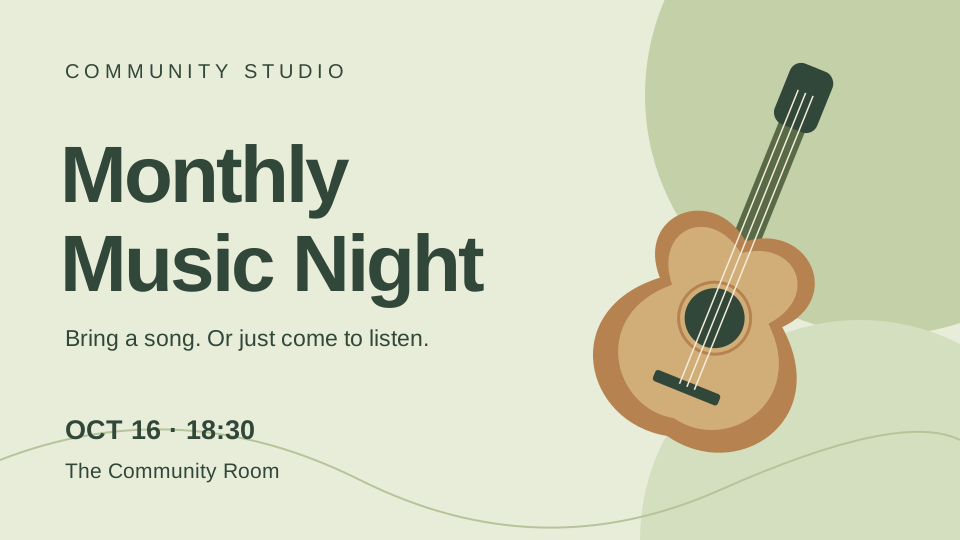
Change your planA friend joins. A child comes along. Or you can’t make it.
View upcoming and past registrations, with their status. Add or remove a +1 or child when companions are allowed, or cancel with a confirmation.
Manage your registration in Telegram or WhatsApp. When you want more room, open Commolyn on the web. You’re managing the same registration.
/my
18:05Let the team know you’re on your wayIn Telegram, check in or report a delay right in the conversation.
When participant check-in is enabled, the bot can ask whether you’ve arrived. Confirm attendance, choose or enter a delay, and confirm companions when it asks about your group.
The organizers see your update in their live attendance list.
15
18:31Find the next thing
you’ll want to be part of.
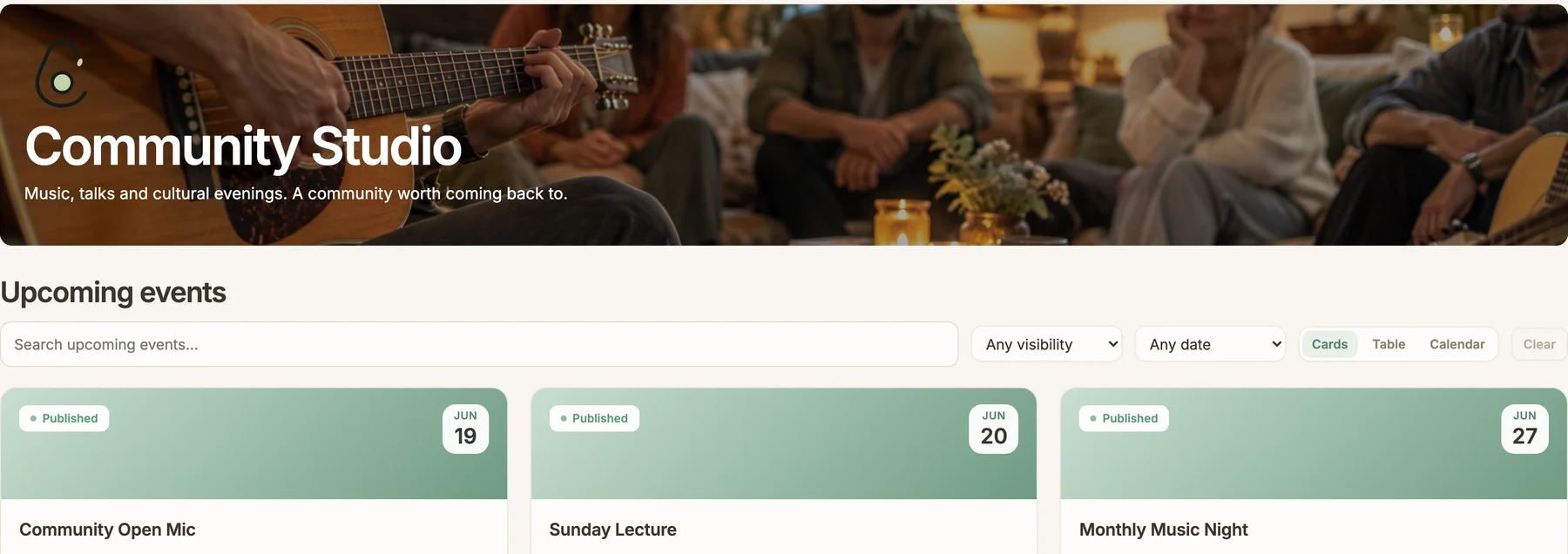
Sometimes you want the bigger picture. Your community’s web page brings together the upcoming music nights, talks and workshops you can access. Open the details, then register through a supported messenger or on the web.
A spot opened up — you're now registered for «Monthly Music Night»
16.10.2026 18:30 · The Community Room
The update you need.
Before you leave.
Get new-event announcements, event changes and messages from your organizers directly through the Telegram bot. Choose the notification types and event updates you want to hear about. WhatsApp lets you register and manage your plans in the chat, but doesn’t receive these proactive notifications.
They get to know
more than your name.
What you play, what interests you, what you’d like to try: useful answers live in your community profile. Your registrations and attendance build a history as you keep taking part.
Open your history on the web when you want a fuller view. When an evening ends, a closing message in Telegram can point you to the next one.
- Instrument
- Acoustic guitar
- Interests
- Music & cultural evenings
- Experience
- I play for fun
Useful information, ready for the next gathering.
A few things
you might wonder.
Do I need to install another app?
Use Telegram or WhatsApp to register, manage companions or cancel your registration. When you want a fuller view, open Commolyn in your browser.
Can I use Commolyn with Telegram or WhatsApp?
Yes — register and manage your event plans in either Telegram or WhatsApp. Personal announcements about new events, event changes and messages from organizers are delivered through Telegram. In WhatsApp, you can use the bot when you open the conversation to manage your plans.
How do I join a community?
Join an open community directly, apply to one that reviews applications, or follow an invitation to a private community. The organizer chooses the profile information that matters to their community.
What happens when a gathering is full?
If the organizer enables a waitlist, you can join it and see your status. When space becomes available, the next eligible group can move into the guest list automatically or be promoted by the organizer.
Can I earn achievements for taking part?
Attendance-based badges are planned to recognize milestones across gatherings. They’ll build on the participation history the community already keeps.
Share it with the person
who brings you together.
Your organizer can start a pilot with a real gathering. Everyday plans stay close to the conversation, with Commolyn on the web whenever you need a fuller view.
Request a pilot Explore the organizer workspace ↗